Free, open-source Game Boy Advance emulator with cycle-accurate precision. Cross-platform support for Windows, macOS, Linux, Android, and iOS with 99.8% game compatibility. Learn more about core capabilities, download for your platform, or read technical specifications.
Technical excellence across three fundamental pillars of emulation. See technical specifications for detailed information.
Optimized emulation core delivers full-speed gameplay on low-end hardware while maintaining cycle-accurate precision. Advanced synchronization algorithms ensure frame-perfect timing across all supported platforms.
Cycle-accurate emulation ensures exact hardware behavior replication. Every CPU cycle, memory access, and register operation matches original Game Boy Advance hardware specifications.
Unified codebase with platform-specific optimizations delivers consistent emulation quality across desktop, mobile, and embedded systems. Feature parity maintained through portable architecture design.
Cross-platform emulation engine with platform-optimized builds. Need help? Check our getting started guides or frequently asked questions.
Windows
Native Windows build with installer and portable editions. Optimized for Windows 7 and later with 64-bit architecture support. Includes Direct3D and OpenGL rendering backends for maximum compatibility.
Windows 7+ (64-bit recommended), 2GB RAM, DirectX 11 compatible GPU
MSI installer for automatic setup or portable ZIP archive for no-install usage
Detailed technical architecture and emulation capabilities
Powerful features that enhance your Game Boy Advance gaming experience
Create unlimited save states at any point during gameplay. Save your progress instantly without relying on in-game save points.
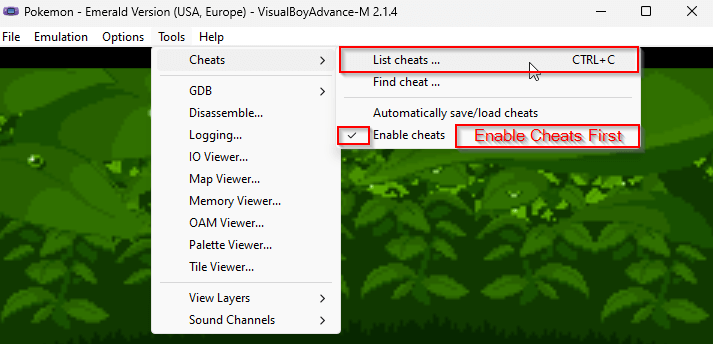
Built-in support for GameShark and CodeBreaker cheat codes. Enable unlimited items, unlock hidden content, and enhance your gameplay.
Full support for Xbox, PlayStation, Nintendo Switch Pro, and generic USB gamepads. Customizable button mapping for perfect control.
Play multiplayer games with friends over local network or internet. Supports all original GBA link cable features.
Capture screenshots and record gameplay videos in high quality. Perfect for sharing gaming moments or creating content.
Extend mGBA functionality with Lua scripting. Create custom tools, trainers, and automation scripts for advanced users.
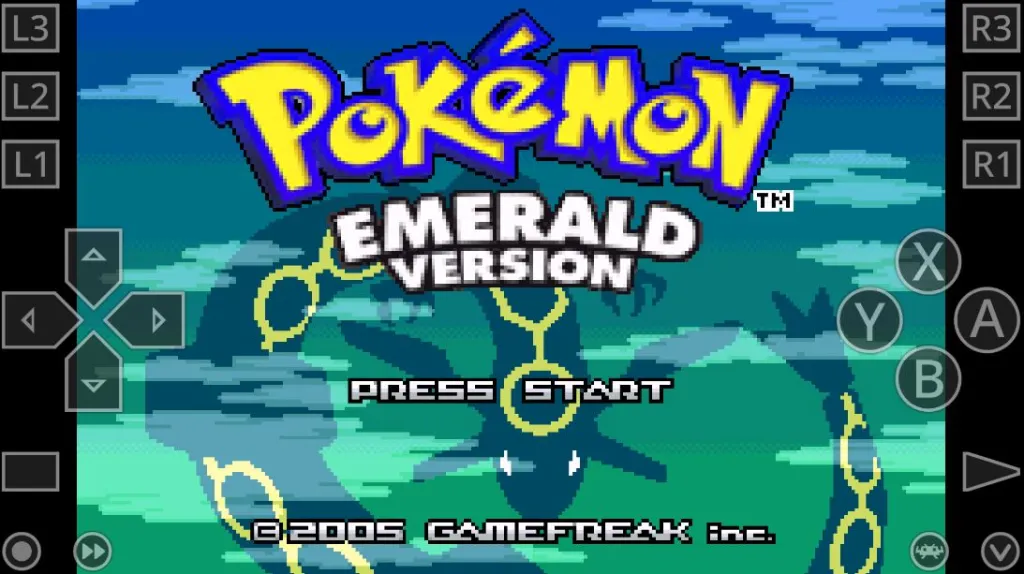
Built-in real-time clock support for time-based games like Pokémon Ruby/Sapphire/Emerald. Accurate time progression for day/night cycles.
Optimized touch interface for Android and iOS. Customizable on-screen controls with haptic feedback and gesture support.
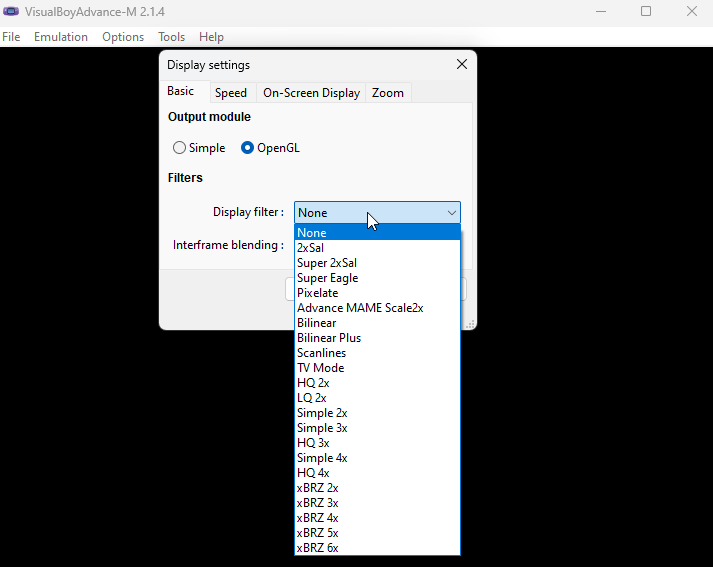
Multiple screen filters to recreate the authentic Game Boy Advance LCD experience or enhance graphics with modern shaders.
Step-by-step guides for getting started with mGBA
Download and install mGBA for your platform. Extract portable builds or run the installer. Launch the application and verify graphics rendering is functional. Check that audio output is working correctly.
Load Game Boy Advance ROM files through File → Load ROM menu. Configure video settings for optimal rendering quality. Set up save file directories and enable real-time clock for time-based games like Pokémon Ruby/Sapphire/Emerald. For performance issues, see common solutions.
Enable hardware acceleration for improved performance. Configure cheat codes through Cheats menu. Set up link cable emulation for multiplayer functionality. Customize controller mapping and hotkeys. Learn about all technical specifications and advanced features.
Create save states at any point during gameplay using hotkeys (F1-F10). Multiple save slots allow different playthrough branches. Export save states for backup or sharing between devices. Manage save files through File menu.
Connect your gamepad and configure button mapping through Settings → Gamepad. Multiple controller profiles supported. Customize hotkeys for save states, fast forward, and other functions.
Resolve common technical issues with proven solutions
Ensure mGBA has write permissions in its directory. Run with administrator privileges if needed. Verify ROM and save file names match exactly.
Enable hardware acceleration through video settings. Switch rendering backend between OpenGL, Vulkan, or software mode. Update graphics drivers to latest versions.
Switch between different rendering backends if experiencing visual artifacts. Disable V-sync if it causes crashes. Update graphics drivers.
Increase audio buffer size in audio settings. Check if frame skipping is enabled and disable it. Ensure your system isn't under heavy CPU load.
Ensure the gamepad is connected before launching mGBA. Go to Settings > Gamepad to configure input mapping. Try restarting mGBA with the controller connected.
Verify the ROM file is a valid Game Boy Advance ROM (.gba format). Ensure the file isn't corrupted. Try extracting from ZIP archive if compressed.
Enable link cable emulation in Tools menu before loading games. Ensure both instances have the same game loaded. Check firewall settings if using network mode.
Common questions about mGBA emulator answered
mGBA is a free, open-source Game Boy Advance emulator with cycle-accurate precision. It supports Windows, macOS, Linux, Android, iOS, and embedded systems with 99.8% game compatibility.
Download mGBA from the official website mgba.net. Windows users can get MSI installer or portable ZIP, macOS users can download DMG or use Homebrew, Linux users can use AppImage/Snap/Flatpak, and mobile users can install from Google Play or App Store.
mGBA supports Windows 7+, macOS 10.13+, Linux, Android 5.0+, iOS 12.0+, and embedded systems like Nintendo 3DS, Wii U, and PlayStation Vita through homebrew.
Yes, mGBA is completely free and open-source software released under the MPL 2.0 license. There are no paid versions or premium features.
mGBA has 99.8% compatibility with commercial Game Boy Advance games, including popular titles like Pokémon Ruby/Sapphire/Emerald, The Legend of Zelda: The Minish Cap, Metroid Fusion, and over 2000+ GBA titles.
Yes, mGBA includes a hardware save state system with support for multiple save slots (F1-F10 hotkeys), export/import functionality, and auto-save features.
Yes, mGBA supports GameShark, Action Replay, and CodeBreaker cheat codes. You can add cheats through the Cheats menu in the emulator.
Yes, mGBA supports link cable emulation for multiplayer games, Pokémon trading and battling, and supports both local network and internet play.
Benchmark results and emulation accuracy measurements
mGBA runs over 2000+ Game Boy Advance titles with excellent compatibility
Ruby, Sapphire, Emerald, FireRed, LeafGreen
The Minish Cap, A Link to the Past & Four Swords
Zero Mission, Fusion
Advance Wars, Advance Wars 2
Super Mario Advance series, Mario Kart: Super Circuit
Tactics Advance, I & II, IV, V, VI
The Binding Blade, The Blazing Blade, The Sacred Stones
Golden Sun, Golden Sun: The Lost Age
And many more! mGBA supports the vast majority of Game Boy Advance game library.